


Google Workspace DLP Stops at Google. Your Data Doesn't.
What is Google Workspace DLP, and where does it stop?
Google Workspace DLP is the set of data loss prevention controls built into Workspace Enterprise: rules that scan Gmail and Google Drive for patterns like credit card numbers, and policies that limit external sharing. It is genuinely useful, and if you already pay for the top Workspace tier you should turn it on. But it has a hard boundary. It governs data inside Google. It does not govern the device your employee is using, or the dozens of other places that same file travels once it lands on a laptop.
That boundary matters more every quarter. Work does not stay inside one tenant anymore. A finance analyst pulls a spreadsheet out of Drive, opens it locally, and pastes three columns into a personal ChatGPT window to clean it up. A sales rep downloads a customer list and uploads it to a personal Google account to work on it over the weekend. None of that is caught by a Workspace DLP rule, because none of it happens where Google can see it. If you want a complete picture of the category, our complete data loss prevention buyer's guide lays out the full decision framework.
The thesis of this post is simple. Google Workspace DLP is one half of the problem. It sees data at rest inside Google. The other half, data in motion leaving the device through browsers, personal accounts, and AI tools, needs a control that lives on the endpoint. dope.security covers both halves in a single console.
Data at rest vs data in motion: the two halves you actually have to cover
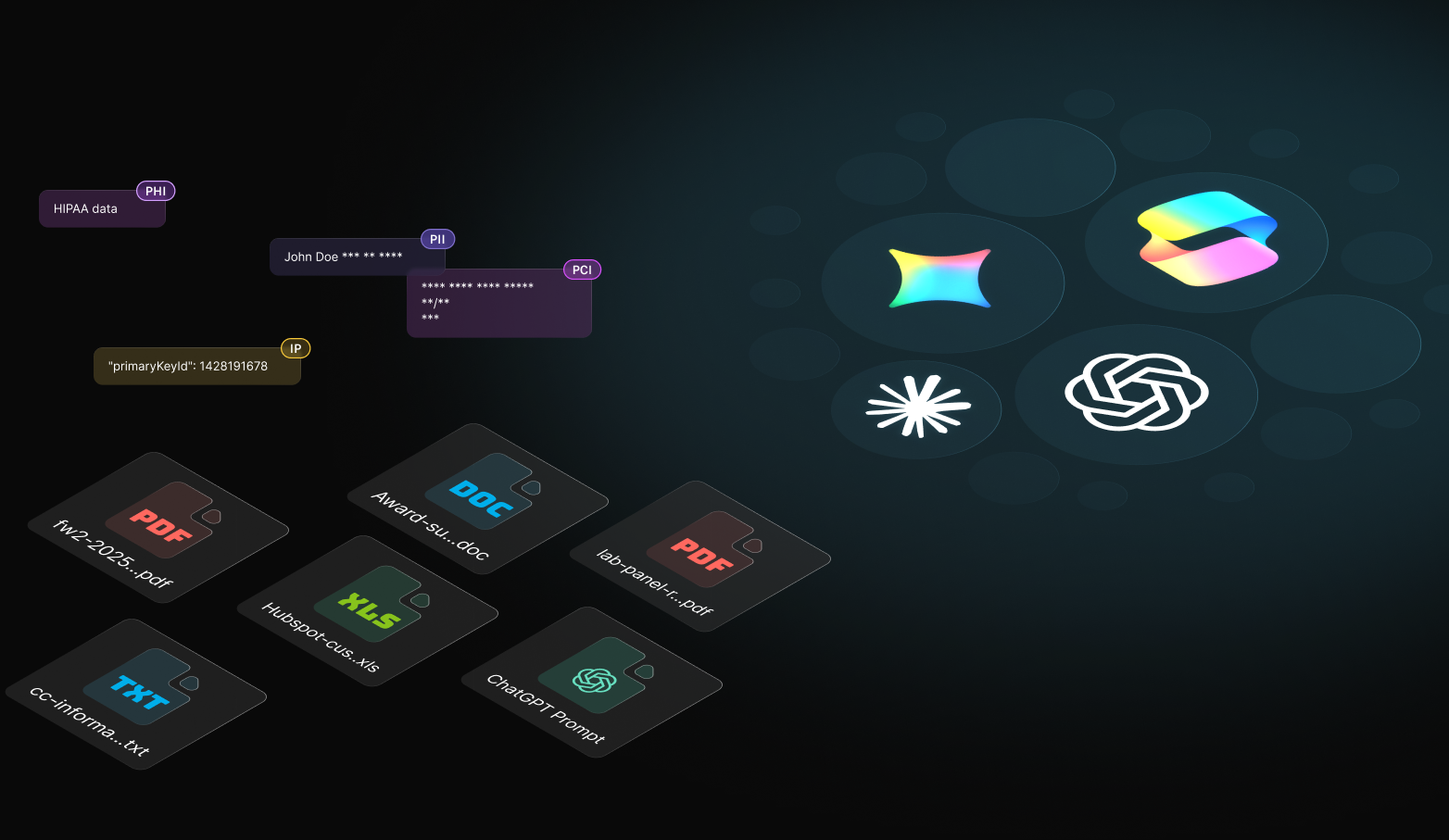
Every DLP conversation eventually splits into two questions. Where is my sensitive data sitting right now, and where is it going next? Data at rest is the file already living in Google Drive, maybe shared with anyone who has the link two years ago and forgotten. Data in motion is the same file being uploaded, pasted, or attached somewhere new. You need eyes on both, and they call for different tools.
For data at rest, the job is discovery and cleanup. CASB Neural scans your cloud drives automatically, uses large language models to understand file content instead of relying on brittle regex, and gives you one-click remediation to turn an exposed file private. It keeps watching for sharing changes, so a file that gets re-shared next month does not slip past you. For data in motion, the job is interception: something on the device that can see a file being uploaded or text being pasted, read what it is, and decide whether to block, warn, or allow it in real time. Our comparison of endpoint DLP versus network DLP unpacks why the point of enforcement matters.
Why native Workspace DLP struggles with AI prompts and personal accounts
Here is the sharpest test of any DLP setup: allow your corporate Google and AI accounts, block the personal ones, on the same domain. A written policy cannot do it. A DNS block cannot do it, because it only sees the domain, not the account. Native Workspace DLP cannot do it either, because the personal account traffic never touches your tenant.
Doing this well requires inspecting the actual request on the device, reading the tenant or account identity inside the encrypted session, and enforcing a rule. dope.security does this with on-device SSL inspection plus Cloud Application Control. AI prompts are the same problem wearing a new hat. When an employee pastes a block of customer data into a chatbot, that is data in motion leaving through a browser. Dopamine DLP extracts the text, classifies it in dopecloud using zero-retention OpenAI APIs, and applies your policy. No data retention. If you are wrestling with the productivity-versus-risk tradeoff of AI tools, our piece on protecting data in AI tools goes deeper.
How dope.security covers both halves in one console
The same lightweight agent that runs the Fly Direct secure web gateway also runs Dopamine DLP for data in motion, while CASB Neural handles data at rest in your Google and Microsoft tenants. One console. One agent. One policy model. Because inspection runs on the device, there is no latency tax from routing every request through a cloud proxy. Healthcare provider Outreach Health secured 99% of devices within a week and cut web access-related IT tickets by 70% in 90 days after moving to dope.security. You can read the Outreach Health story for the full deployment detail.
Google Workspace DLP vs dope.security: a side-by-side
Native Workspace DLP and dope.security are not really competitors. One covers data inside Google; the other adds the device and everything that leaves it.
| Capability | Native Google Workspace DLP | dope.security |
|---|---|---|
| Data at rest in Google Drive | Yes, inside the tenant | CASB Neural scans Drive, flags external shares |
| Uploads to personal accounts | Not visible | Intercepted on the device by Dopamine DLP |
| Sensitive text pasted into AI prompts | Not visible | Inspected and classified before it sends |
| Corporate vs personal account on same domain | No tenant-level control | Cloud Application Control enforces approved tenants |
| Classification method | Pattern and regex detectors | LLM content understanding, fewer false positives |
| Data handling on inspection | Inside Google | Zero-retention APIs, no training on your data |
Keep native Workspace DLP on for what lives inside Google, and add on-device control for everything that leaves the tenant.
What should you look for when choosing DLP for Google Workspace?
Three questions separate real coverage from a checkbox. Does it see data in motion at the endpoint, not just at rest in the tenant? Does it understand content with modern classification instead of only regex? And can it tell a corporate account from a personal one on the same domain, which is the control that actually stops the weekend-workaround leak? It is also worth deciding whether you want cloud DLP that retains your data to inspect it, because any tool that copies your files to a third-party store adds a second place your data can be breached. Our explainer on zero-retention cloud DLP covers why this matters, and if your other suite is Microsoft, the same logic applies, which we cover in our look at SaaS DLP.
Getting started
You do not have to rip anything out. Keep your Workspace DLP rules, then add dope.security to cover the device and the data that leaves it. The agent deploys silently through your MDM, policies push in seconds, and you get discovery, data-in-motion control, and tenant enforcement from one console. Start a free trial or book a 20-minute demo to see it against your own Drive. For the wider category context, keep the data loss prevention buyer's guide close.
Frequently Asked Questions
Is Google Workspace DLP enough on its own?
No, because it only inspects data inside Google services. It cannot see a file uploaded to a non-Google app, downloaded to a device and moved, or pasted into an AI tool. dope.security adds endpoint DLP for data in motion and API scanning for data at rest so protection continues once data leaves Workspace.
Does dope.security replace Google Workspace DLP?
No, it complements it. Keep your native Workspace rules for content inside Google, and add dope.security for everything that leaves: uploads to other apps, AI prompts, and already-overshared files. Together they cover data at rest and in motion across every destination, not just Google's.
How does dope.security protect data pasted into AI tools?
Dopamine DLP intercepts AI prompts and file uploads on the device and classifies them through zero-retention APIs, so sensitive data can be blocked, monitored, or allowed by policy before it reaches the AI tool. Native Workspace DLP does not inspect AI prompts at all, since that traffic never routes through Google.
What does zero-retention DLP mean and why does it matter?
Zero-retention means no copy of your prompt or file is stored to perform the classification. It matters because a DLP tool that retains your data becomes a second place that data can be breached. dope.security inspects through zero-retention APIs, so you get the analysis without creating a new data store to protect.
Can dope.security find files that are already overshared in Drive?
Yes. CASB Neural continuously scans Google Drive and OneDrive for files shared publicly or externally that contain PII, PCI, PHI, or IP, and offers one-click remediation. That catches the shared-with-anyone-who-has-the-link files that native controls may have allowed months ago.
.jpeg)


