


Endpoint DLP in 2026: Why On-Device Data Loss Prevention Beats Network DLP
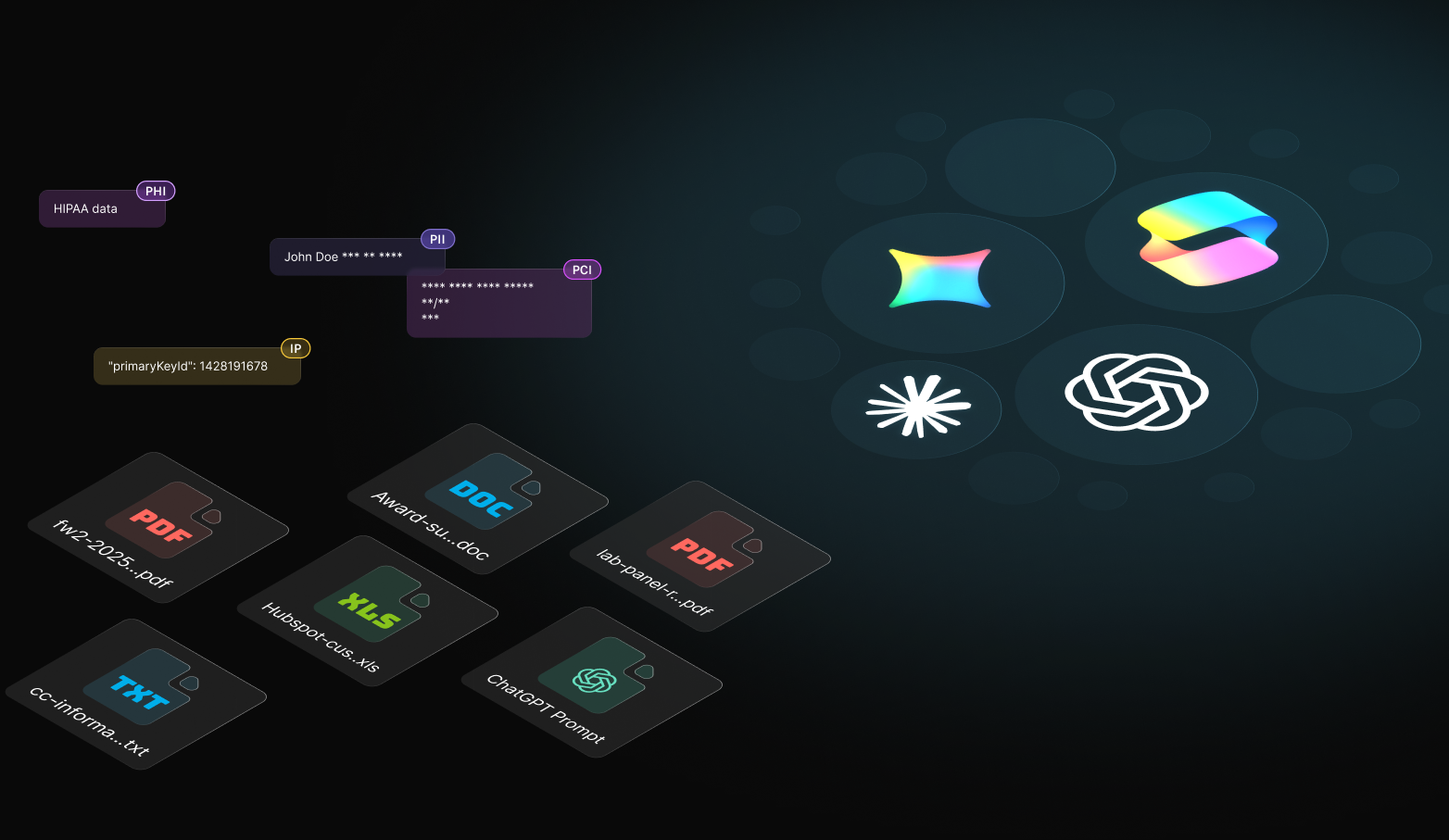
The short version: Endpoint DLP inspects sensitive data at the moment it leaves the device, in a browser upload, a file copy, or an AI prompt. That is exactly the point where network DLP and cloud DLP cannot see, because the action happens on the laptop before traffic is backhauled or after it is already in a SaaS tenant. dope.security runs endpoint data loss prevention on the device with Dopamine DLP, using zero retention classification so inspecting your data does not create a second copy of it.
Data loss prevention has a placement problem. The category splits into cloud, SaaS, endpoint, and network DLP, and most teams buy one, assume they are covered, and find a gap later. The gap almost always shows up in the same place: data in motion leaving a managed device. This guide explains what endpoint DLP is, how it differs from network DLP, and why on device inspection is the version that catches the leaks the others miss. It builds on our deeper look at cloud DLP and zero retention inspection, which is the companion hub for this topic.
What is endpoint DLP?
Endpoint DLP is data loss prevention enforced on the device itself, at the moment data is about to leave. Instead of waiting to inspect traffic at a network choke point or scanning files already at rest in a cloud tenant, endpoint DLP sees the upload, the paste, or the prompt as it happens and decides whether to block, monitor, or allow it. The advantage is timing and context. The device knows which user, which app, and which destination, and it can act before the data crosses the line rather than after.
This matters more every year because work is no longer on the network. People upload to personal cloud drives from home Wi Fi, paste customer data into AI tools, and move files between SaaS apps that never touch the corporate perimeter. If your DLP lives in a data center, those actions are invisible. If it lives on the device, they are not.
How is endpoint DLP different from network DLP?
Network DLP inspects traffic as it passes through a gateway or appliance, which historically meant the corporate egress. It works when traffic actually flows through that point, and it struggles the moment a user is off network or the traffic is encrypted end to end. With roughly 95 percent of web traffic encrypted, a network inspection point either has to decrypt everything at the gateway, which adds latency and breaks pinned apps, or it sees ciphertext and guesses. Endpoint DLP sidesteps that by inspecting at the source, where the content is in the clear before it is encrypted for transit.
The other difference is reach. Network DLP only covers the paths that route through it, so remote and hybrid workers fall outside unless you backhaul their traffic, which reintroduces the latency tax. Endpoint DLP travels with the laptop, so the same policy applies in the office, at home, and on the road. For a distributed workforce, that is the difference between a policy and a wish.
Which type of DLP do you actually need?
Most organizations need more than one layer, but they should start where their real exposure is. Use this decision table to match the DLP type to the risk you are trying to cover.
| DLP type | What it protects | Blind spot | Best for |
|---|---|---|---|
| Network DLP | Data in motion through a gateway | Off network users, encrypted traffic | Fixed offices with on prem egress |
| Cloud DLP | Data flowing to and from cloud apps | Local actions, non integrated apps | Cloud first workflows |
| SaaS DLP | Data at rest in SaaS tenants | Data in motion, the moment of exfiltration | Oversharing in Drive and OneDrive |
| Endpoint DLP (dope.security) | Data in motion as it leaves the device | Closes the in motion gap the others leave open | Hybrid and remote teams, AI prompts and uploads |
The takeaway: SaaS DLP covers data at rest, network and cloud DLP cover some paths in motion, and endpoint DLP covers the exfiltration moment on the device that the others miss.
For data already sitting in your tenants, you still want coverage at rest. That is what CASB Neural handles, scanning OneDrive and Google Drive for externally shared files with sensitive data and remediating in a click. Pairing endpoint DLP for data in motion with CASB Neural for data at rest is how you close both halves of the problem. Our explainer on what SaaS DLP means in 2026 covers the at rest side in depth.
The hidden risk: does inspecting your data create a second copy of it?
Here is the part most DLP buyers never ask about. To inspect content, many DLP services send it to a cloud engine, and some retain it, even briefly, to classify or to improve models. That turns your data protection tool into a second place your sensitive data lives, which is a new breach surface and a compliance headache. The irony is sharp: the product meant to stop data loss becomes a reason to worry about data loss.
dope.security designed around this with Dopamine DLP. It inspects prompts and uploads using a zero retention API, which means the content is classified in the moment and nothing is stored or used for training. The approach is covered by US Patent 12,464,023. You get the inspection without creating a copy of the very data you are trying to protect. For regulated teams, that distinction is not a nicety, it is the difference between a control that helps an audit and one that complicates it.
How dope.security does endpoint DLP differently
Traditional endpoint DLP earned a reputation for being heavy, with agents that drain CPU and battery and rules that generate noise. dope.security runs a single lightweight agent, under 100 MB of RAM, that already performs SSL inspection on the device for the secure web gateway. Because inspection happens locally, Dopamine DLP can read the content of an upload or an AI prompt in the clear, classify it, and act, all without backhauling traffic to a data center.
| Consideration | Traditional endpoint DLP | dope.security Dopamine DLP |
|---|---|---|
| Data retention | Often retains content to classify | Zero retention classification |
| Agent footprint | Heavy, CPU and battery drain | Single agent, under 100 MB RAM |
| AI prompts and uploads | Often unsupported or pattern only | Inspects prompts and uploads, Block, Monitor, or Off |
| Off network coverage | Depends on backhaul | Travels with the device, policy follows the user |
| Console | Often separate from SWG and CASB | One console with SWG and CASB Neural |
Endpoint DLP should be light, retain nothing, and cover AI. dope.security runs it in the same agent and console as the secure web gateway.
Where this pays off in the real world
The clearest proof is in regulated, distributed teams. Outreach Health, a healthcare organization with thousands of employees across dozens of offices, secured 99 percent of its devices within a week and cut web access tickets by 70 percent in 90 days after moving to dope.security. For an organization handling patient data across a mobile workforce, endpoint DLP that travels with the device and retains nothing is not a luxury, it is the control that keeps data in motion from becoming data in the wrong hands. Our guide to the best DLP for AI shows the same model applied to AI prompts specifically.
The bottom line
Network DLP and cloud DLP each cover part of the problem, and SaaS DLP handles data at rest, but the leak that hurts is data in motion leaving a device, and that is the moment only endpoint DLP can see. The version worth buying inspects on the device, travels with the user, covers AI prompts and uploads, and crucially retains nothing, so the tool protecting your data does not become a new place your data lives. That is exactly how dope.security built Dopamine DLP. To see endpoint data loss prevention with zero retention in action, book a 20 minute demo, and read our companion guide on cloud DLP and zero retention inspection for the full picture.
.jpeg)
.jpeg)
.jpeg)


